
This site is registered on wpml.org as a development site. Switch to a production site key to remove this banner.
We all have our favorite toys. Whether it be a model train or a stuffed unicorn, He-Man or Barbie, just about everyone has fond memories of playing with little bits of molded plastic. Or, for collectors, simply keeping them on a shelf to pose and admire.
But did you know that most toys and games on shelves today use QR codes? Whether it be for instructions, promotional material, or simply more info on the company, chances are if you turn a toy box around you’ll see that square code on the back.
In this piece I will go over the many ways QR codes can and have been used on various toys and games, as well as how you can create your own! So let’s unbox and get started!
What are QR codes?
QR codes are encoded images containing data that can be scanned by another device, such as a phone, tablet, or barcode reader. They are typically square and made of smaller black and white squares, though this can be changed and customized by the creator.
QR codes were originally created in the 90s by Japanese company Denso Wave in order to better keep track of car parts that they were transporting. Now, QR codes can be used just about anywhere and on anything.
Most often they are used as a quick way to distribute and access a URL link, as they can easily be scanned on a phone or other mobile device. However, they can also be used to display images, videos, text, contact information, registration forms, restaurant menus, educational content, and more!
How can QR codes be used on toys and games?
QR codes can be used in toys and games in all sorts of ways, but the most common and smartest use would be as supplemental instructions. Newer toys can be complex and kids may not fully understand how they work without a visual.
By including a QR code within the packaging, you can provide a video explanation of how the toy works to parents and children. This works especially well with tabletop games, since rules can be complicated and better to understand via a video.
QR codes can also be used to promote other toys or supplemental material. For instance, if your toy is distributed via a blind box or a capsule machine, which are very popular in Japan, you can include a code on the toy or within the packaging that shows off the other toys available from the line.
Supplemental materials like videos, games, sweepstakes sign ups, and fan club registration can also be included via QR codes.
How to create a QR code for game instructions
Step 1: Copy the URL link for the How to Play video.

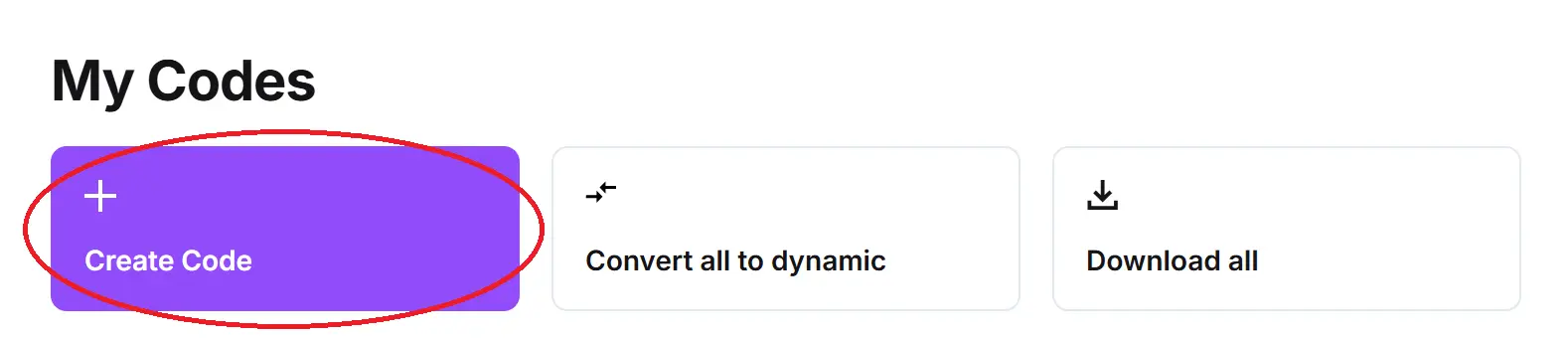
Step 2: On QR Code Developer, select the Create Code option.
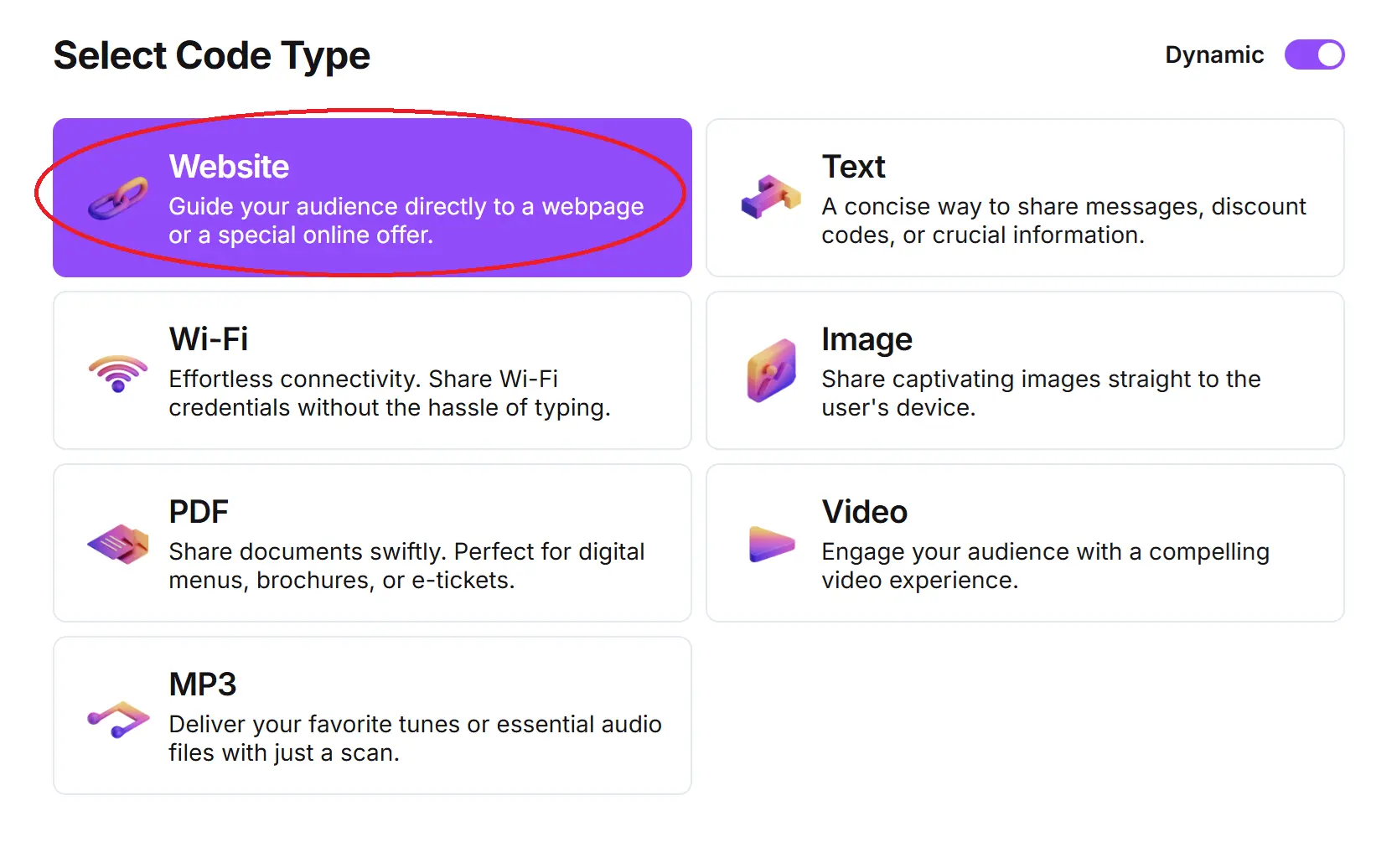
Step 3: Click on the Website button.
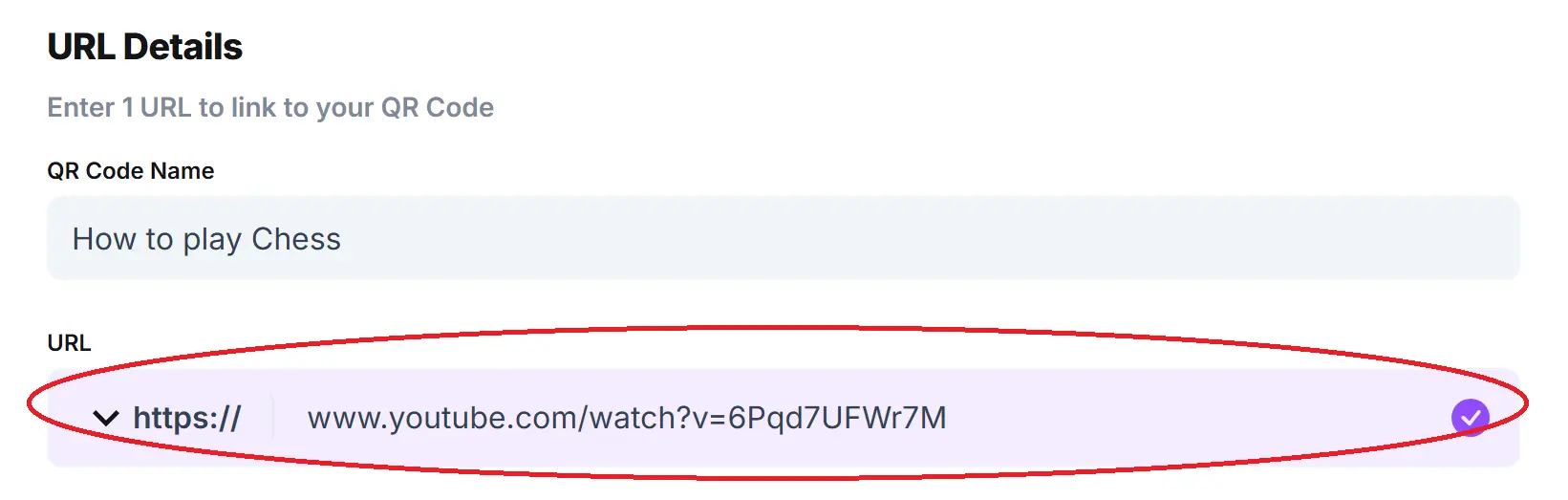
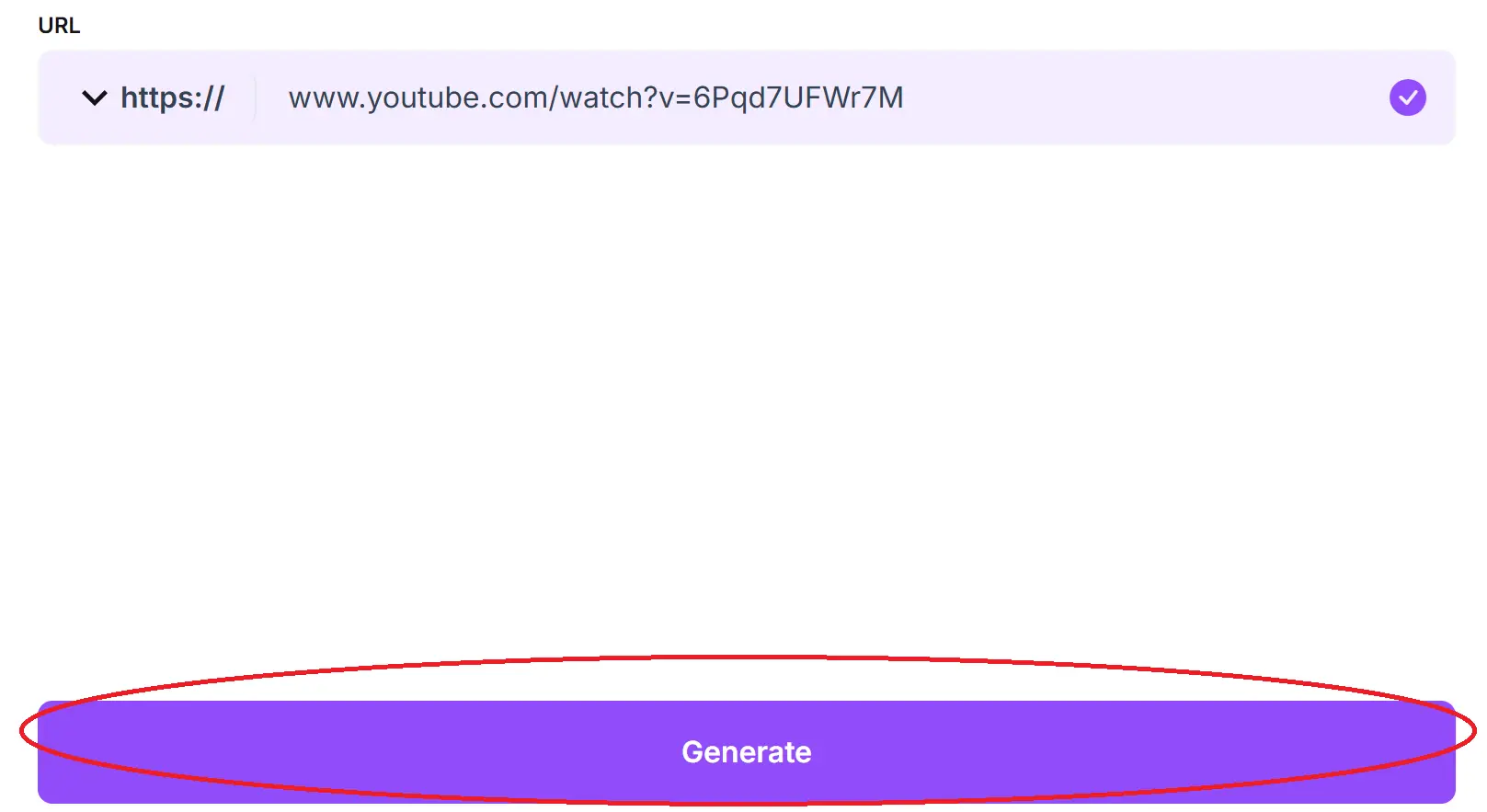
Step 4: Name your code and paste the URL into the bar.
Optional: Click on the pencil icon in the Preview box to further customize your code.

Step 5: Click Generate.
Step 6: Test on multiple devices.

General tips
- Know your audience: Most of the audience for toy related products are children, so it’s important to remember that they may not know how to scan a QR code or have a device to do so. In this case, make sure instructions are clear and also available to the parent. If providing paper instructions is easier, then do that.
- Keep instructions clear: Provide clear instructions on how to use and scan QR codes as well as where the codes will redirect to.
- Place codes on a flat surface: To make sure that codes are still scannable, only put them on flat surfaces, like walls, tables, posters, or fliers. For a toy product, the best places for QR codes would be on the box or in an included instructional booklet.
- Use high contrast: If using custom colors on a code, make sure that the colors are distinct enough from each other to be read as a QR code.
- Make sure codes are visible: Don’t place codes where your audience is unlikely to see them.
- Only use codes when necessary: If an alternative exists that’s easier for all parties involved, use that.
- Test on multiple devices: Make sure your codes work whether scanned on an Android device, iPhone, tablet, or other device.
Monitoring code usage
With the tools available on QR Code Developer, as well as other code generators, you can monitor the usage of any code you create. This can include how many times a code has been scanned, where it has been scanned, on what device, using what browser, and more. With these tools, you can figure out which codes are reaching the most people and where to focus any advertising efforts.
With QRCodeveloper you can monitor:
- Number of scans
- Number of scans by operating system
- Scans by browser
- Scans by country
- Scans by city
- Scans by language
- Unique scans
Conclusion
As stated before, many toys and games have already integrated QR codes into the experience in some way. Whether it’s additional information on the toy line, how to play a game, or just a quick video on the product, QR codes are a great way to provide supplemental material to the buyer.
QR codes are easy to make, all you need is a url link and a good code generator. This is where QR Code Developer can help! Get started today with the free tools available from QR Code Developer!